It's already on your phone. Now it's in Human.

September 17, 2026
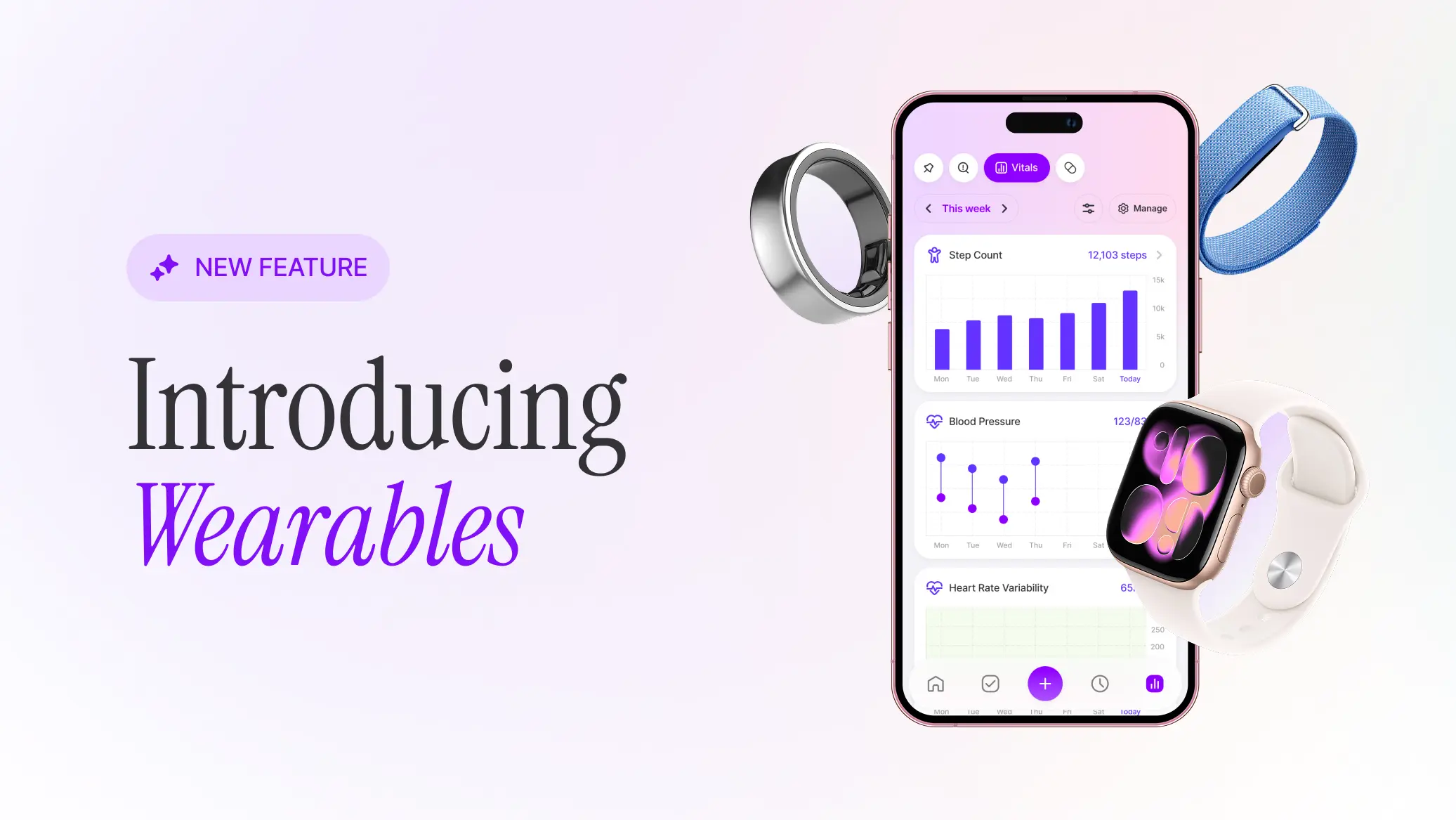
Your watch has half the picture. Your symptoms are the other half.
Your body is constantly talking to you. How many steps you take each day, your resting heart rate, the hours you actually slept - together they tell a story. But on their own, sitting in an app away from everything else you're going through, those numbers are hard to read.
The vitals in your phone's health app can now sync into Human, where they sit alongside the symptoms and treatments you're already tracking.
You asked for this one
Syncing health data from your devices and wearables is one of the most requested features in Human's history. For over a year, hundreds of you have written in asking for it. You told us you were tired of typing the same numbers into two apps, or keeping half a dozen apps going, or copying readings out of one app and into a note in another. Mostly, though, you asked so you could see these numbers next to your symptoms.
How it works
Human reads your data from the health app that's already on your phone: Apple Health on iPhone, Health Connect on Android. It doesn't connect to your wearable directly.
So if your Apple Watch, Garmin, Oura ring or Fitbit is already sending data to your phone's health app, you're ready to go. If it isn't yet, you set that up once inside your device's own app.
No wearable? You're still covered. Your phone counts steps on its own, and anything that writes into your phone's health app comes through too, like a glucose meter that syncs there, or readings you enter by hand.
Here's what you'll be able to sync:
- Sleep
- Step Count
- Heart Rate
- Resting Heart Rate
- Heart Rate Variability
- Blood Oxygen (SpO2)
- Blood Glucose
- Weight
- Body Fat %
- Height
Human syncs each time you open the app, so opening it is what brings your charts up to date. There's nothing extra to log, and that's the point.
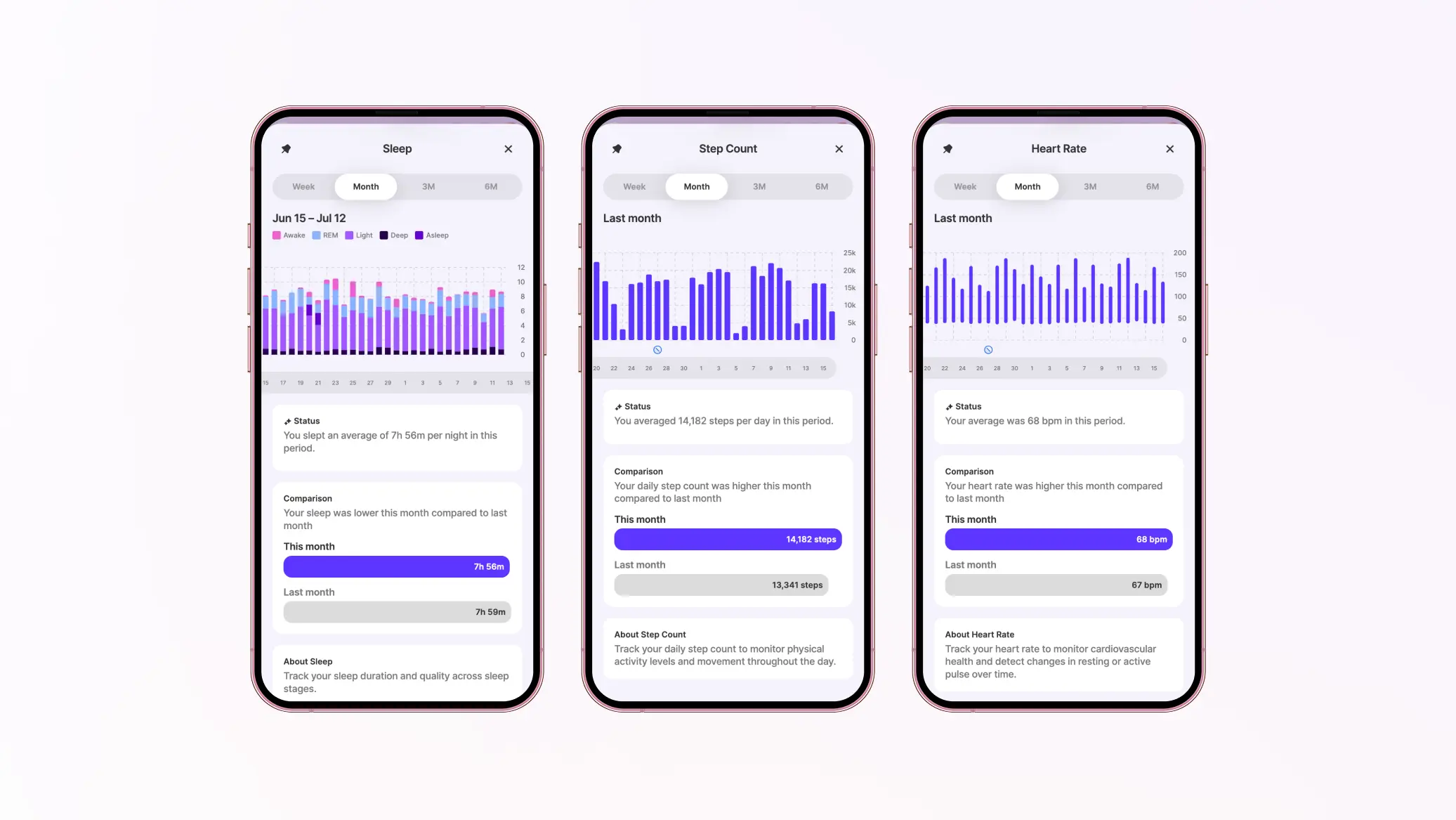
Everything in one place
Apple Health and Health Connect already show you your step count, and they do it perfectly well. We didn't build this so you could look at the same chart in a second app.
We built it so your steps can sit next to your energy levels. So your sleep can sit on the same timeline as your pain. So your resting heart rate is there alongside the week you started a new treatment. Those are your numbers and your experience in one view, rather than in two apps that don't know the other exists.
Pin the charts that matter most to you on your Home screen and they'll be waiting together when you open the app. See your sleep beside your pain, your steps beside your fatigue, a week of your life on one screen with the wearable data already filled in.
Head to your Insights page and you can compare the current period against the previous one to see which way your Vitals are heading. And because you're logging the good stretches alongside the tough ones, what you're looking at is your whole picture, not just the low points. That's the part most tracking misses: progress only becomes visible when you're recording more than what's going wrong.
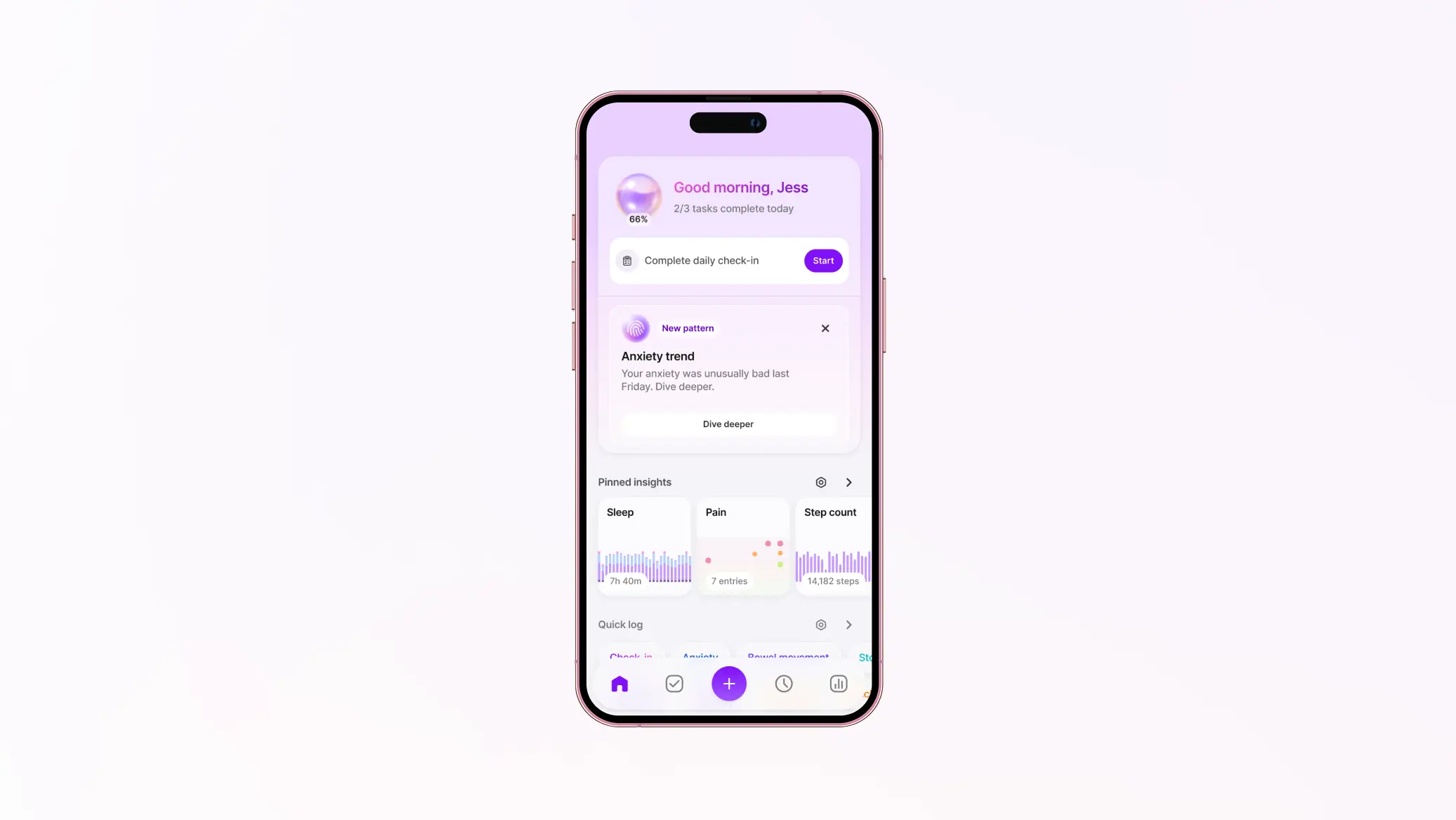
Questions you might start to look at
None of these are things Human tells you. They're things you get to look at for yourself, using your own data. They are the sort of questions people have been writing to us about for years.
"Does bad sleep make my symptoms worse, or do my symptoms wreck my sleep?"
Sleep was far and away the most requested Vital. People have described lying awake because of pain and then paying for the lost sleep the next day, and have told us sleep explains their energy better than anything else they track. Now it comes in from your watch or ring on its own, and sits on the same chart as your pain, fatigue or mood.
"When I do more, do I crash harder?"
People living with energy-limiting conditions have asked us whether a grocery run or a shower changes how tomorrow goes. Your phone is already counting the steps. Human lays them over your fatigue, brain fog or pain so you can look at the two together.
"Did my sleep change after I started that treatment?"
Three weeks into something new, you can look back at the day you started and see what your sleep line did afterwards. That's a conversation with your doctor that used to run on "I think I've been sleeping worse?"
"Can I just show my doctor?"
This is the request sitting behind a lot of the others. People have told us about charting oxygen readings for an appointment, about wanting weight alongside medication changes, about wanting to show what happens at home when the results in a clinic look unremarkable. When your Vitals live alongside your symptom log, the chart you bring to your next appointment is one you didn't have to try and create by hand the night before.
These examples are paraphrased and combined from feedback people have sent us over the years. They aren't quotes, and none of them describe an individual member.
Your Vitals, your choice
We're intentional about designing with your privacy as our top priority, and synced Vitals are no exception.
Syncing is opt-in. Before anything connects, we'll explain what we're asking for and why. Then your phone's own permission screen is where you choose exactly which Vitals Human can read. Tick the ones you want, skip the ones you don't, and change your mind any time in your phone's settings.
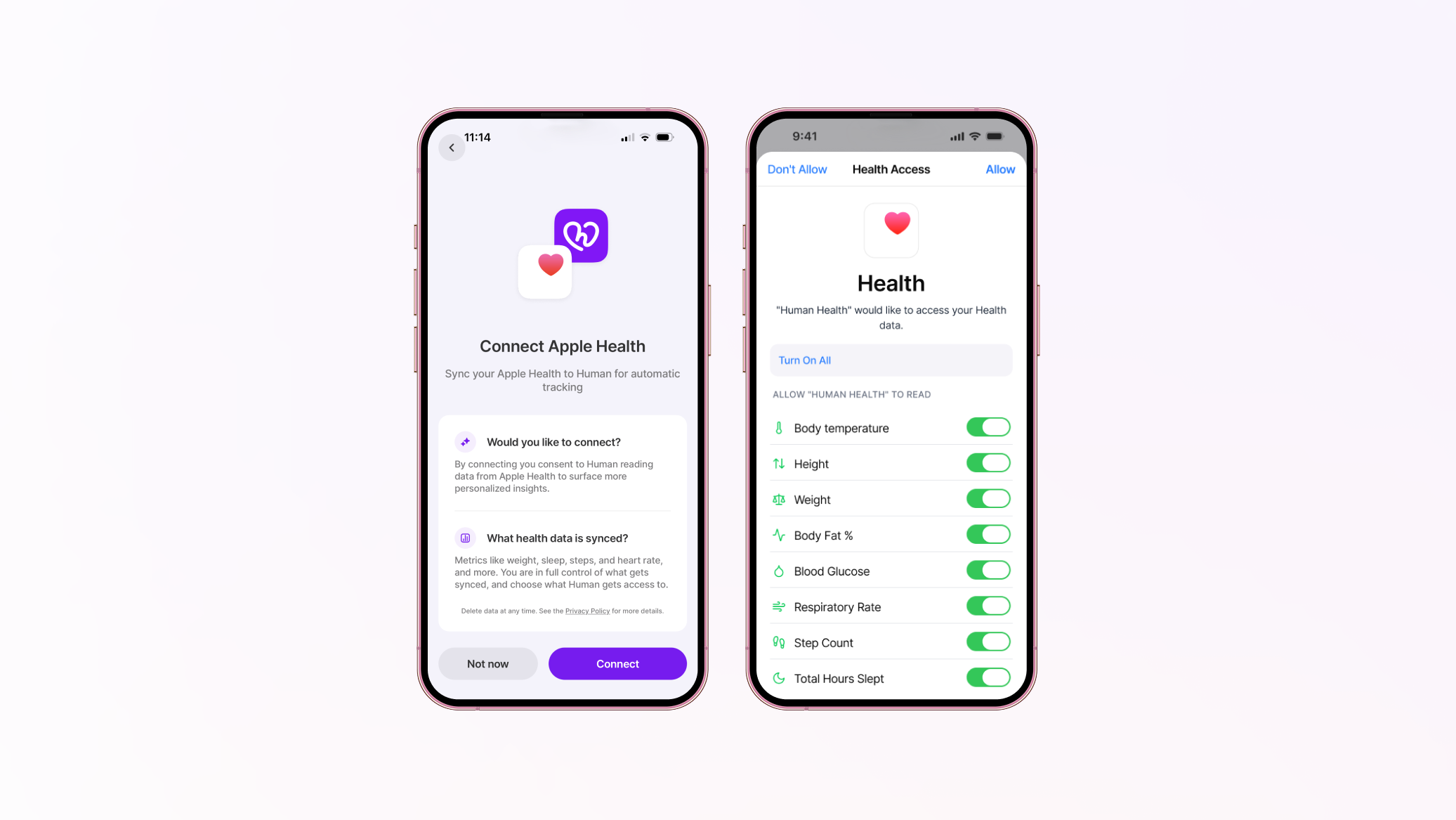
Your first sync brings in your last 30 days, so you're starting with real trends rather than an empty graph.
Want to go further back than that? On any Vitals chart in Insights you can sync an earlier period yourself, which is worth doing if you're trying to understand something that started months ago.
Want to press pause? Pausing a Vital stops it syncing. While it's paused we don't take in or store anything new for it, and everything you've already logged stays exactly where it is. Unpause whenever you're ready.
Want to remove data? You can delete the synced entries for a Vital while keeping anything you logged by hand, or delete the Vital and all its history outright. One thing worth knowing: deleting clears what's stored, but on its own it doesn't switch syncing off. If you want data gone and staying gone, pause or disconnect the Vital first, then delete.
Want to stop entirely? You can switch wearable syncing off across the whole app in Profile → General settings → Privacy & consent. Individual Vitals can be switched off any time in your phone's own health settings.
Start your sync today
First, make sure you're on the latest version of Human from the App Store or Google Play. Wearables won't appear on older versions.
Then:
- Go to Profile → Tracking settings → Vitals, tap +, and choose Connect Now on the Vitals you want.
- Say yes on your phone's permission screen.
- Head to Insights → Vitals to watch your charts fill in. Synced Vitals live on your Insights page rather than your timeline.
- Pin the ones you want to keep an eye on next to the symptoms you're already tracking.
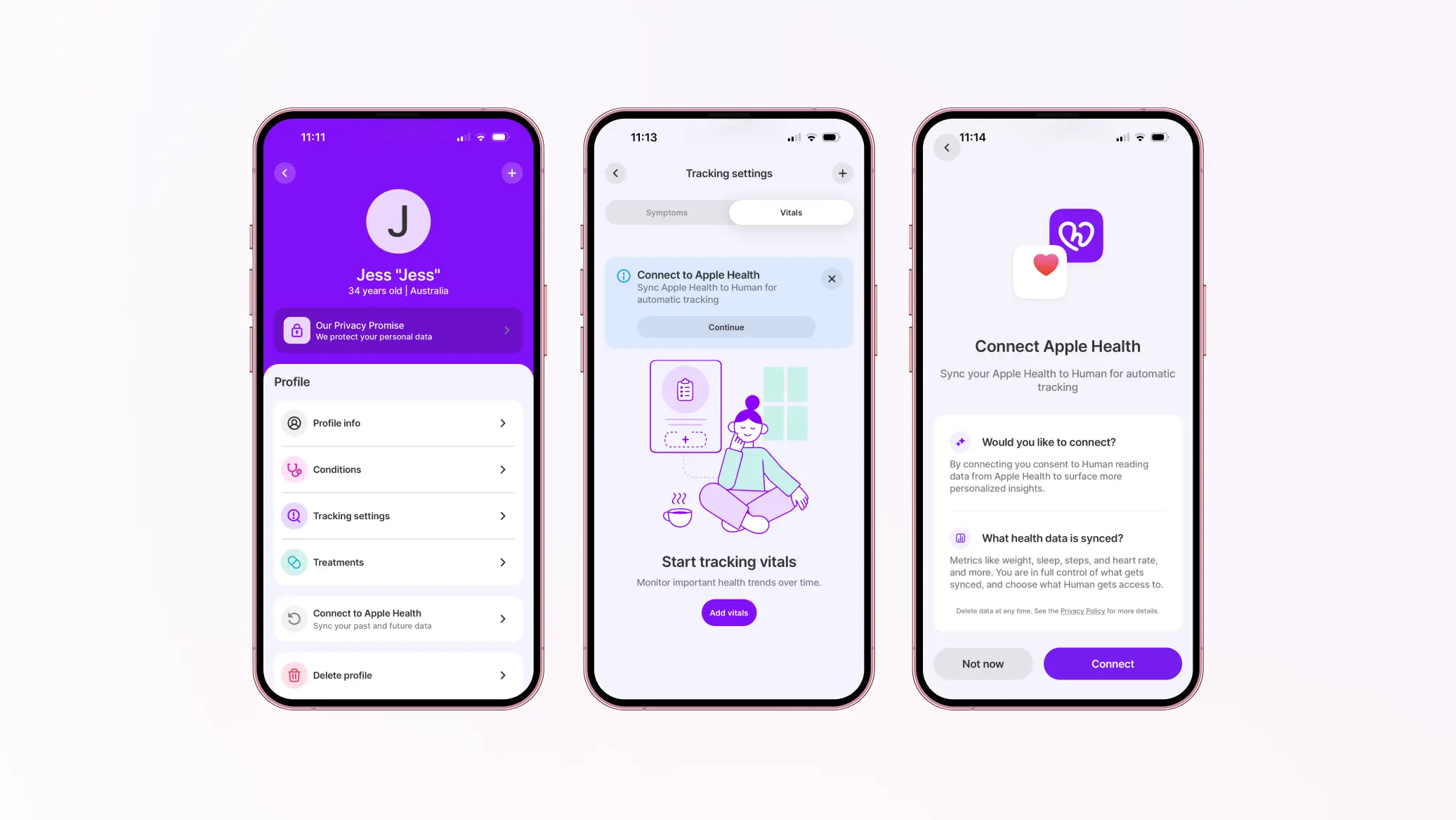
You started recording these numbers because you knew they meant something. Now you get to see them in context, next to your symptoms, your treatments, and everything else you're tracking.
Tune into what your body's really telling you. Because your health deserves to be understood. 💜
This is a div block with a Webflow interaction that will be triggered when the heading is in the view.

Learn more
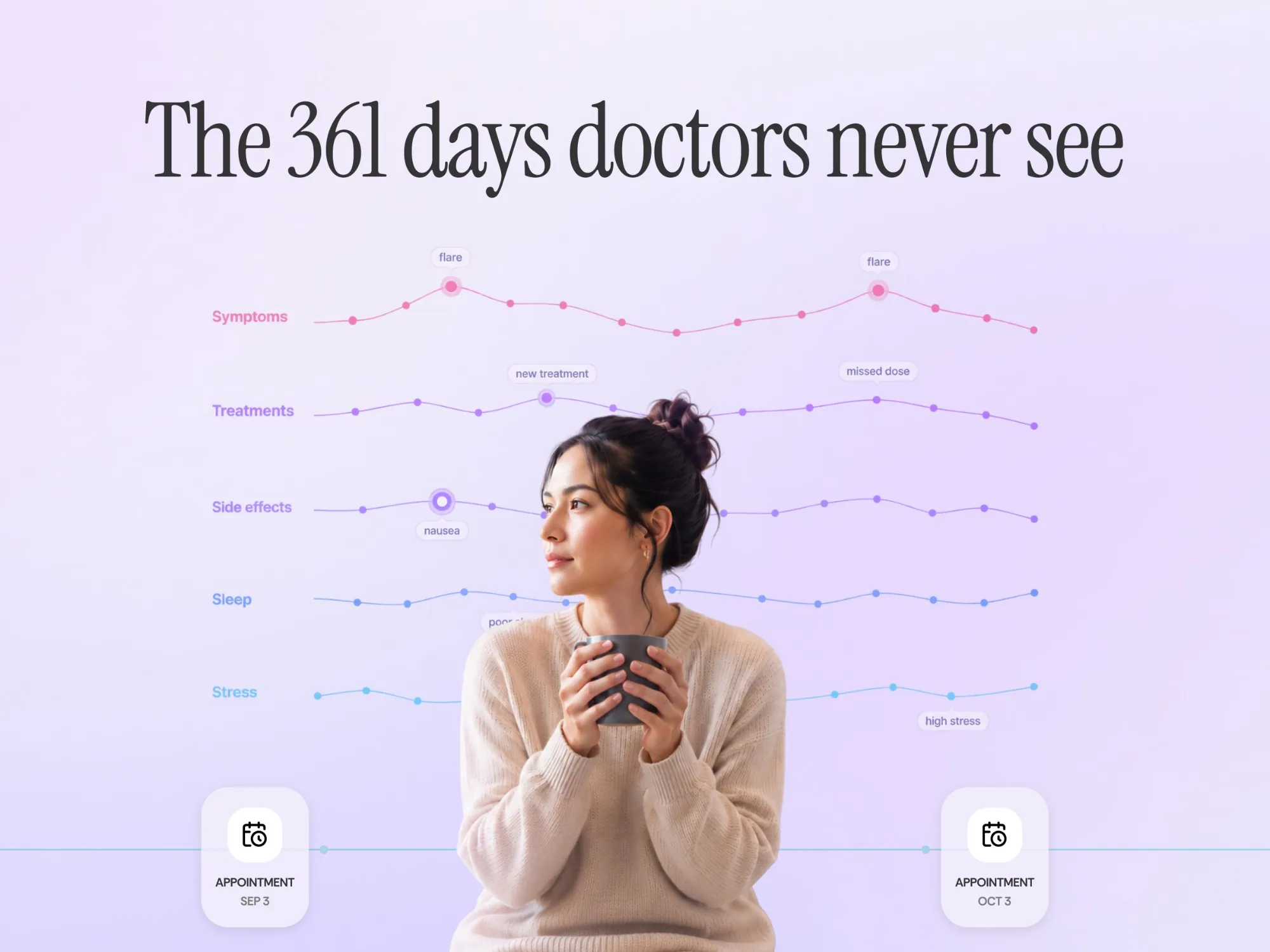
The 361 days doctors never see


Is Human Health HIPAA compliant? What "HIPAA aligned" means for your data
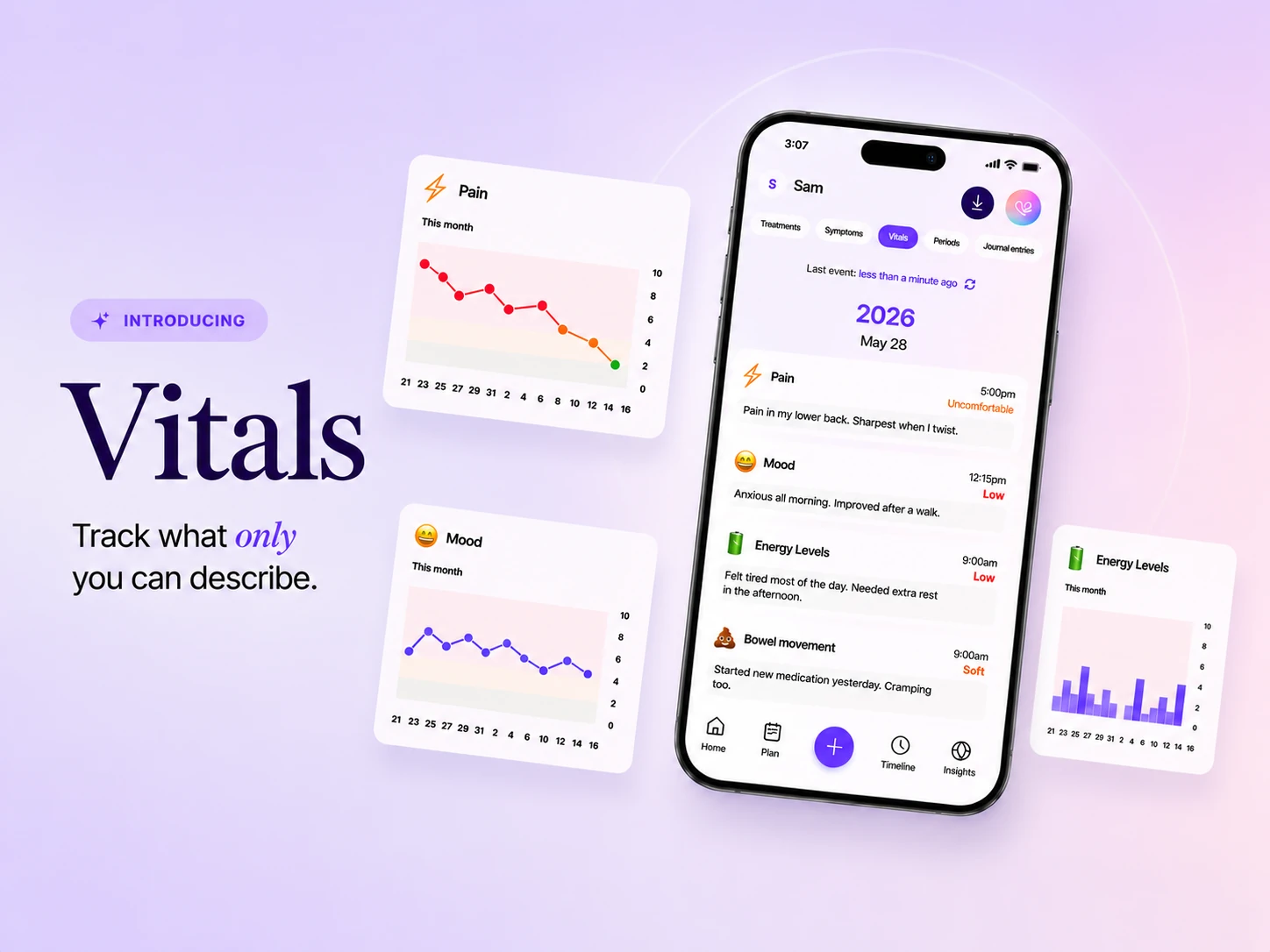
Introducing Vitals: track what only you can describe

Research matching with Human: Your data, new discoveries

Privacy and Security at Human Health


.png)


